Unlocking SVG Files: A Beginner’s Guide to Scalable Vector Graphics
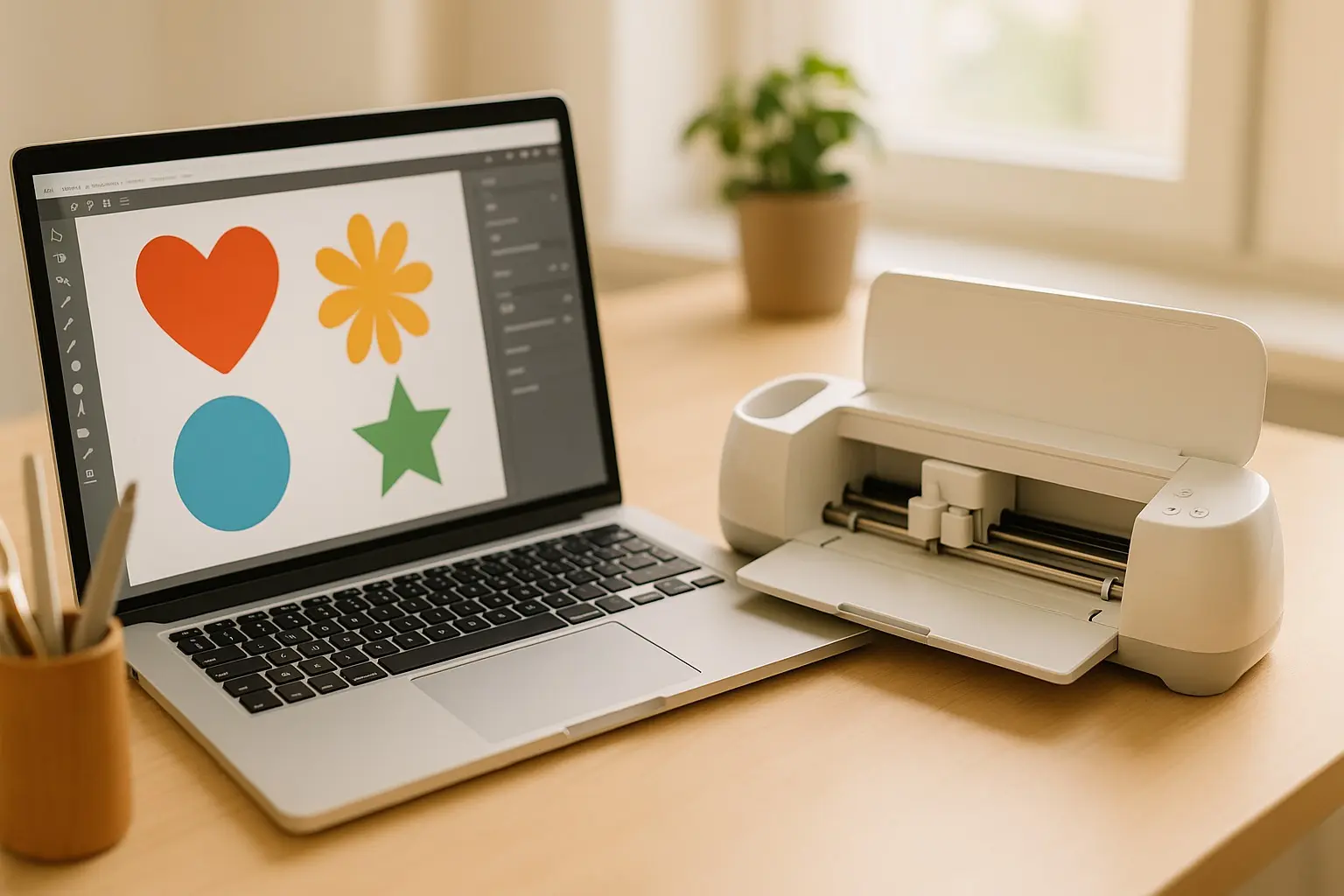
Welcome to the world of digital crafting, where precision meets creativity with the magic of SVG files. Scalable Vector Graphics, or SVGs, have become indispensable for crafting enthusiasts, allowing endless custom design possibilities on machines like Cricut and Silhouette. This guide will walk you through understanding SVGs and harnessing their power in your crafting projects.
Understanding SVGs: Definitions and Benefits
SVG, an acronym for Scalable Vector Graphics, is a file format defined by the W3C. It’s specially designed for two-dimensional graphics, offering a myriad of advantages over raster image formats like PNG or JPEG. Unlike raster images that lose quality when scaled, SVGs maintain clarity and detail whether you’re creating a tiny icon or a large banner.
- Scalability without loss of resolution.
- Small file sizes due to mathematical description.
- Easy to edit, manipulate, and customize.
- Perfect for intricate designs and precise cuts in crafting projects.
The SVG format’s versatility makes it a top choice among digital crafters seeking quality and precision in design.
Working with SVG Files in Crafting
Importing SVGs into Cricut Design Space and Silhouette Studio
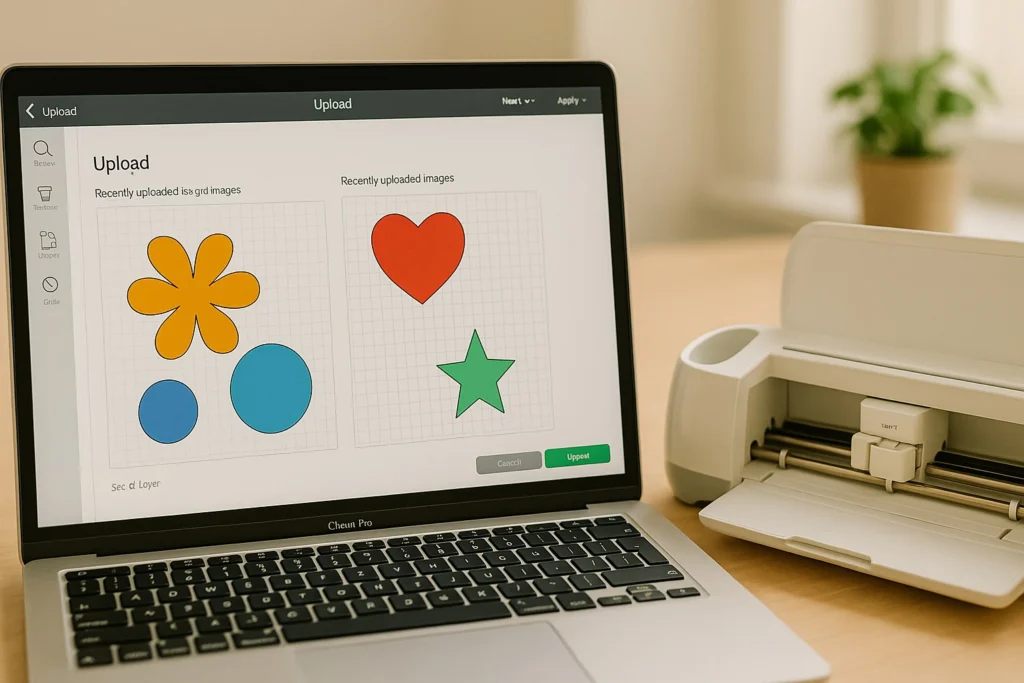
To get started with SVG files in crafting, you first need to know how to import them into popular software like Cricut Design Space and Silhouette Studio.
- Open your crafting software.
- Select import/upload and choose your SVG file.
- Adjust file settings to ensure proper appearance and scale for your project.
Editing and Customizing SVG Designs
Once imported, SVG files are easy to customize. You can change colors, adjust sizes, and even modify shapes directly within the software. Both Cricut and Silhouette offer robust tools for editing SVG layers to match your creative visions.
Tips for Optimizing SVGs for Cutting Machines
To achieve the best cutting results, ensure your SVG is properly layered and flattened if necessary. Group related elements and use the “weld” feature to prevent unwanted cuts between overlapping parts.
Pro Tip: Always preview your cuts. This simple step can prevent costly mistakes and ensure perfect final products.
Practical Applications and Project Ideas
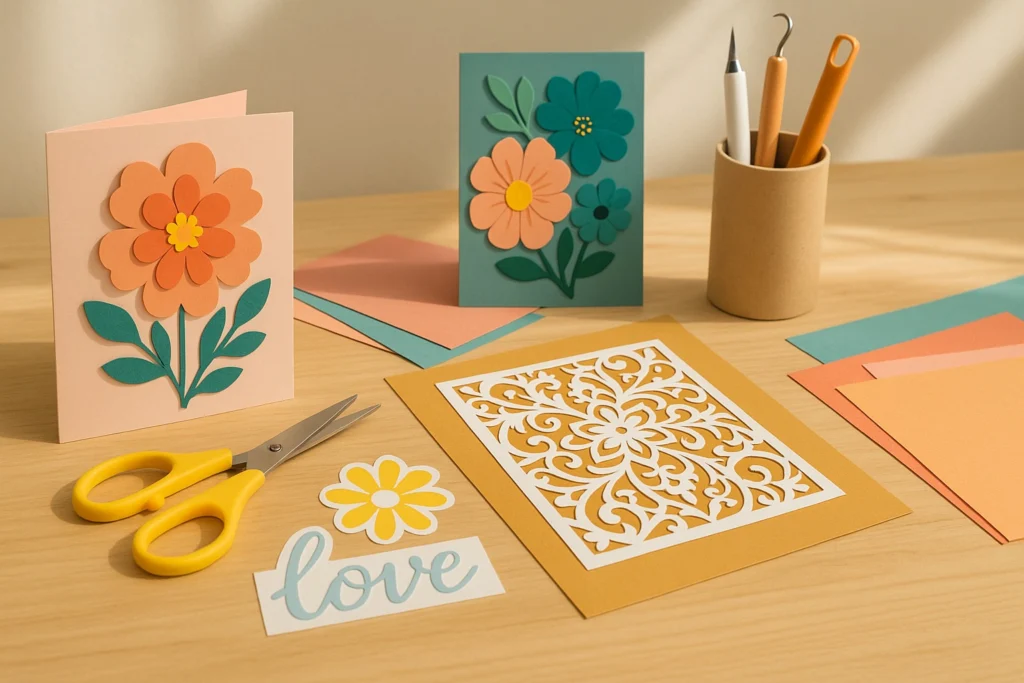
The beauty of SVG files is their adaptability to various crafting projects. From vinyl decals to paper crafts, SVGs allow you to make personalized items with ease.
- Vinyl Decals: Create custom stickers for home decor and gifts.
- Paper Crafts: Design intricate greeting cards or scrapbook embellishments.
- Fabric Appliqués: Sports teams’ logos or unique clothing designs.
Many crafting communities, where sharing inspiration and tutorials has fostered success, often highlight such projects.
Frequently Asked Questions
Q: What is the difference between SVG and DXF files?
A: While SVGs are ideal for intricate graphics and cuts, DXF files are primarily used for CAD applications. They both serve as vector formats but differ in complexity and use-case scenarios.
Q: How do I find free SVG files for crafting?
A: Numerous online resources exist for free SVG downloads. Websites like LoveSVG and CraftBundles provide a variety of designs.
Q: Why won’t my SVG file cut properly on my machine?
A: This could be due to improper layers or unflattened designs. Ensure your SVG is appropriately prepared, avoiding any overlaps that may confuse the cutting machine.
Quick Tips and Resources
- Regularly check blade sharpness when cut quality decreases abruptly.
- Refer to official Cricut and Silhouette troubleshooting guides for more detailed assistance.
- Explore our Learn hub for in-depth tutorials and tips.
Related Topics: SVG Alternatives and Tools
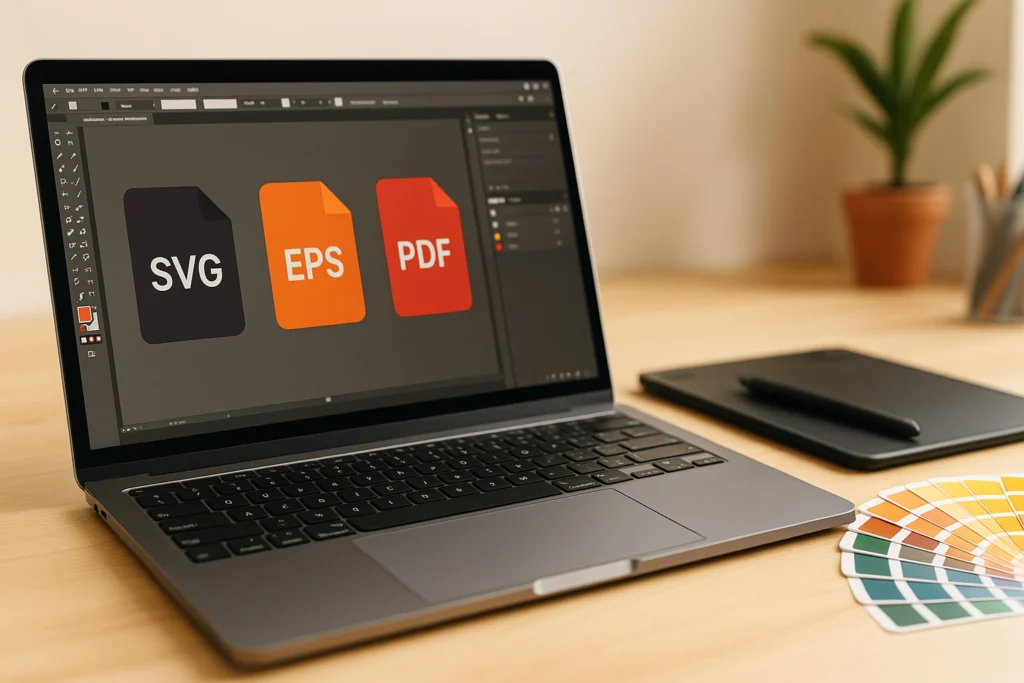
Beyond SVGs, formats such as EPS and PDF offer unique benefits in digital crafting. EPS files are widely used across graphic design tools like Adobe Illustrator due to their compatibility and quality.
Software like CorelDRAW and Inkscape also provide robust platforms for vector file creation and manipulation, expanding your creative toolkit. EPS, being integral to professional printing processes, broadens potential project types beyond what SVGs might offer.
We hope this guide inspires confidence in using SVG files for your crafting projects. Dive deeper into creative explorations by visiting our Inspiration hub for more ideas and free SVG downloads.