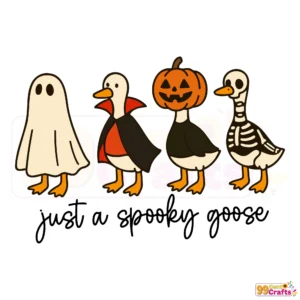
Spooky Goose SVG for Halloween Crafts | Instant Download & Multi-Format
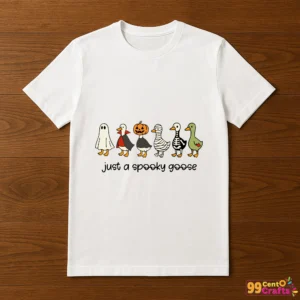
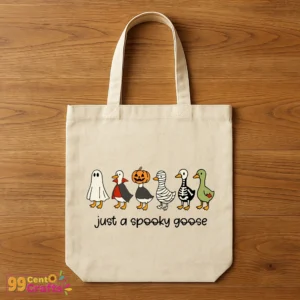
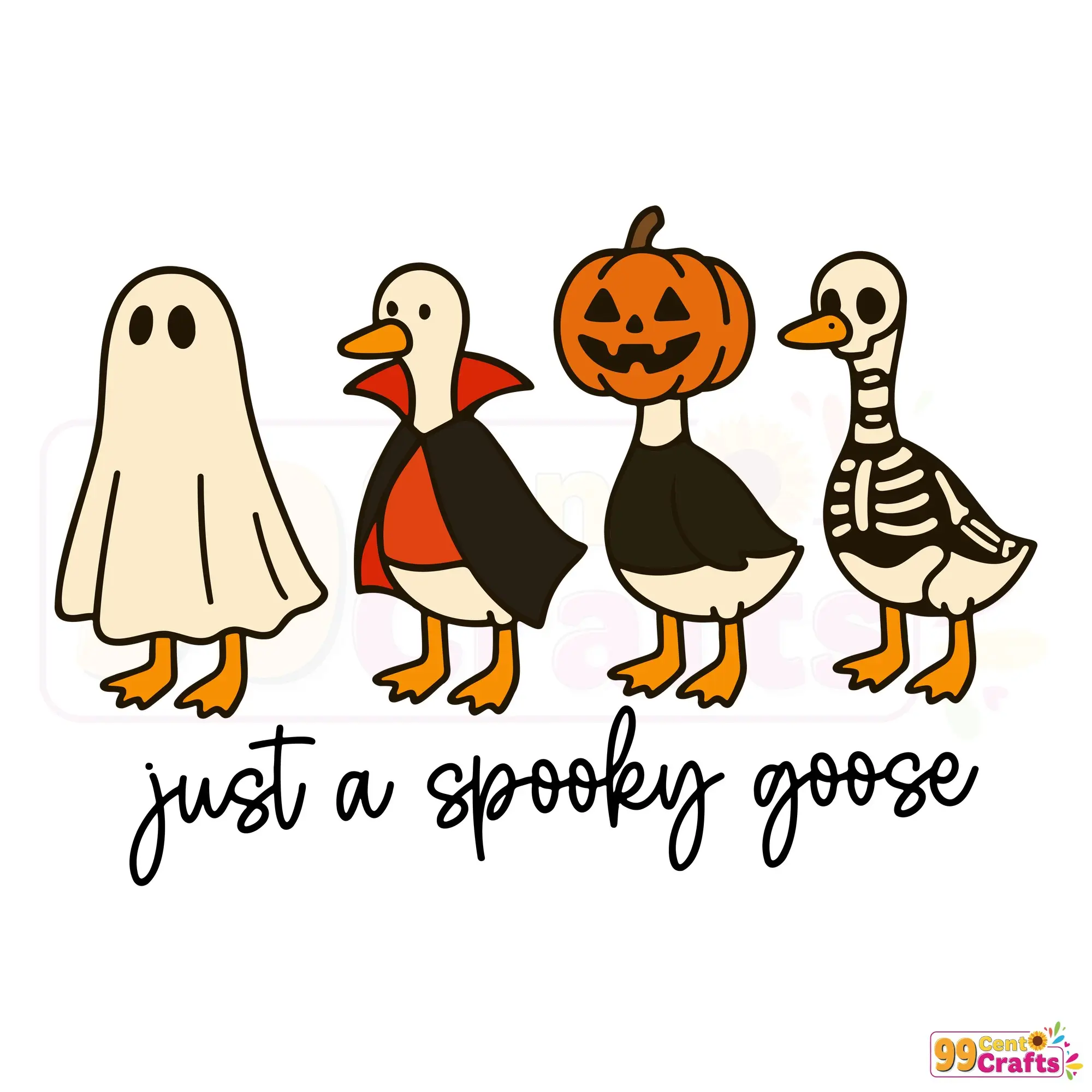
Introducing the Spooky Goose SVG – a delightful and unique Halloween-themed design that adds an eerie yet whimsical touch to any crafting project. Perfect for both DIY enthusiasts and small businesses, this spooky goose promises to enhance all your seasonal creations.
Key Features and Included File Formats
- Design Styles: A fusion of spooky and silly, offering a fascinating mix perfect for various Halloween themes.
- File Formats: Comes in SVG, PNG, DXF, and EPS formats, ensuring versatile use across digital and physical crafting projects.
- Benefits: These formats are ideal for everything from digital uploads to complex crafting applications.
Compatibility with Cutting Machines and Software
The spooky goose SVG is fully compatible with Cricut Design Space and Silhouette Studio. It also supports other devices accepting SVG, DXF, or EPS files, ensuring seamless import and functionality across crafting platforms.
Creative Use Cases and Crafting Ideas
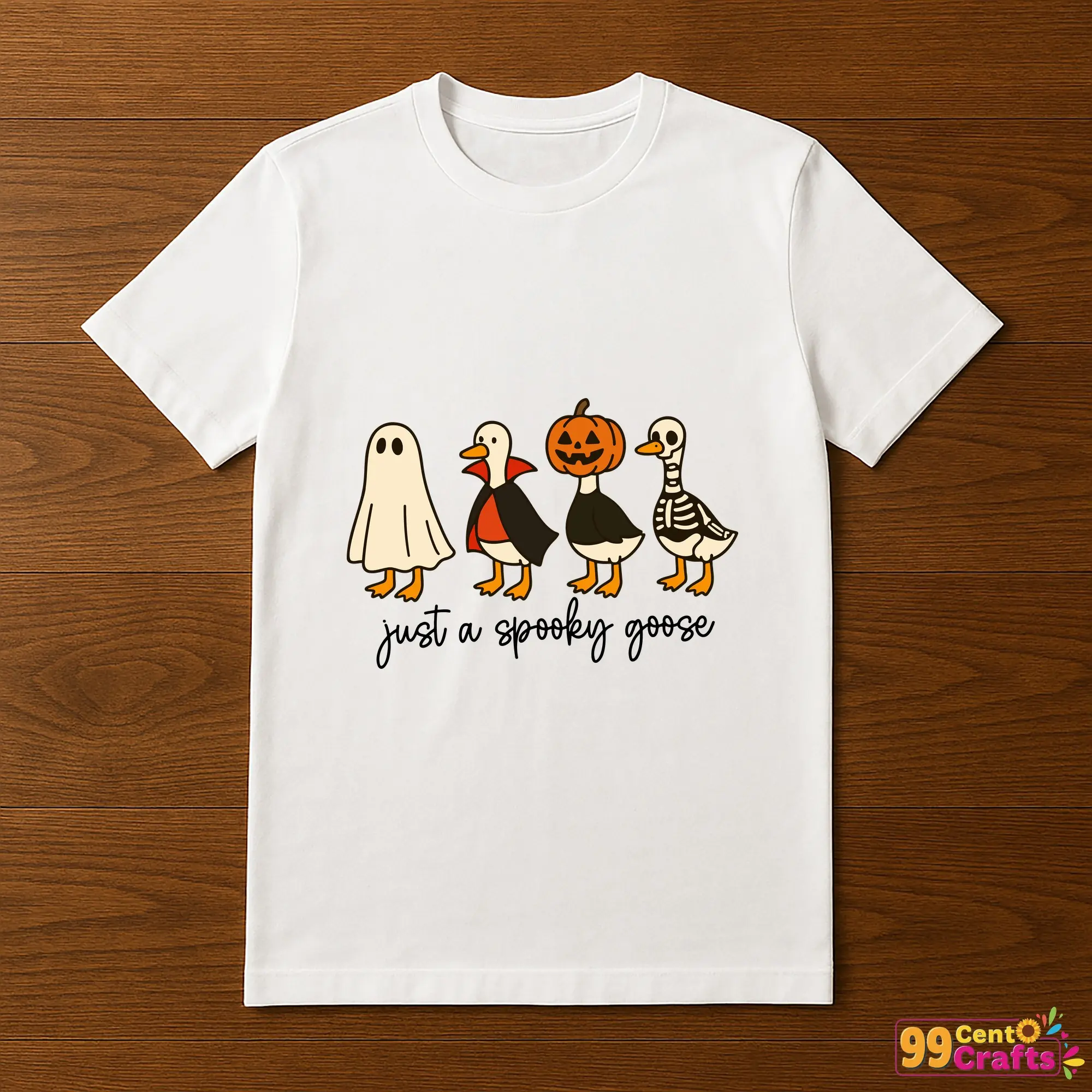
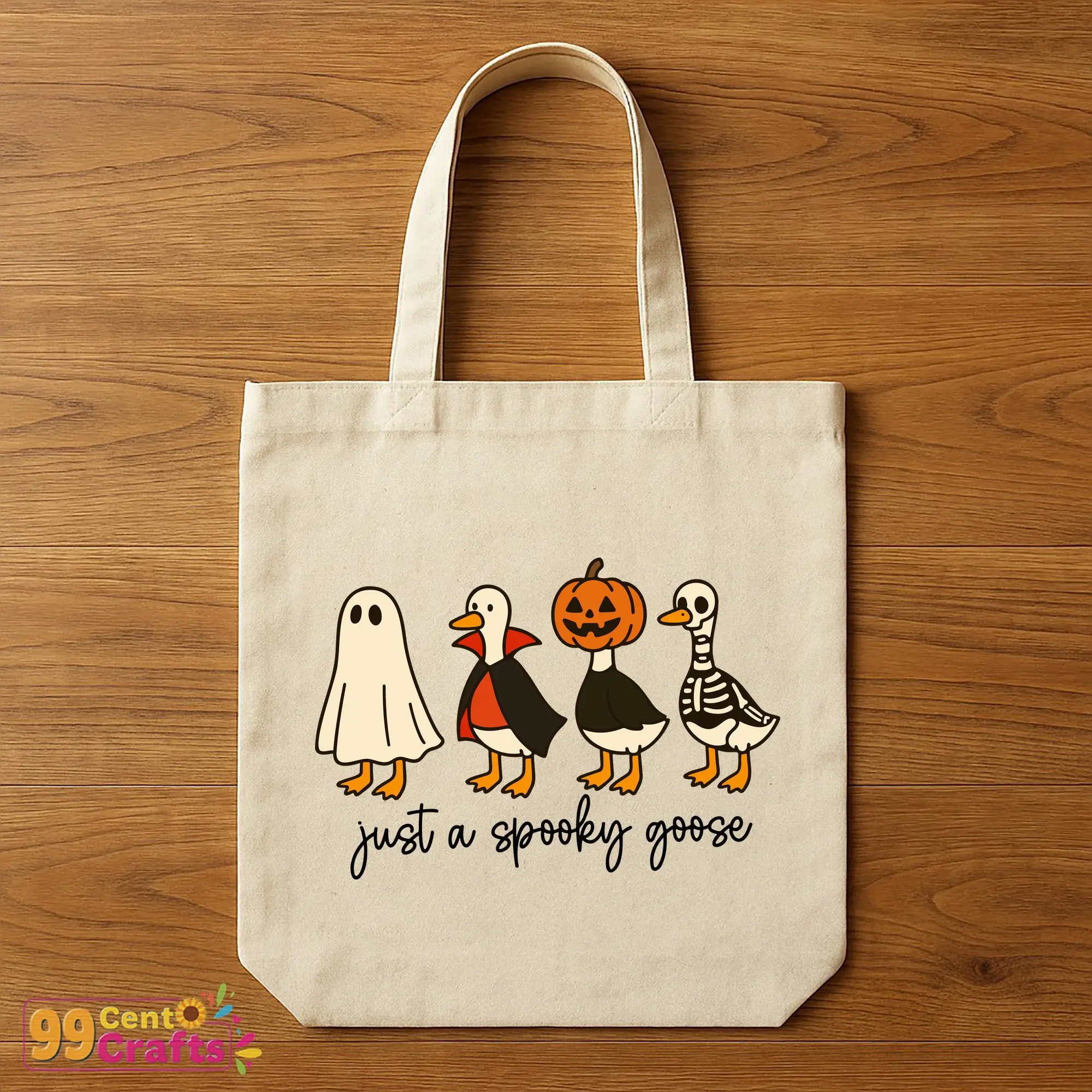
- Create custom t-shirts, mugs, and home décor pieces.
- Perfect for party decorations and seasonal gifts.
- Experiment with layering and color customizations to make each project uniquely yours.
Licensing and Usage Rights Explained
This SVG comes with a commercial use license, allowing you to create and sell physical products. Remember to check restrictions to ensure compliance and avoid copyright issues, making it suitable for both personal and commercial projects.
How to Download and Access Your Files Instantly
- Complete your purchase to receive download links immediately.
- Organize your files into manageable folders for easy access.
- If you encounter issues, consult our troubleshooting guide included with your purchase.
Frequently Asked Questions (FAQs) About Spooky Goose SVG
- Can I use this SVG for commercial products? Yes, with the commercial license included.
- Which machines and software are compatible? Cricut, Silhouette, and many others.
- What file formats are included and why? SVG, PNG, DXF, EPS – each supports different crafting needs.
- How to resize or customize the design without losing quality? Use vector-based software to maintain quality.
Tips for Optimizing Your SVG Files for Best Results
For enhanced cutting performance, consider optimizing file paths and simplifying designs. Use layered structures in design software to add a unique touch to your creations.
Comparison: Spooky Goose SVG vs. Other Halloween Goose Designs
This design stands out for its unique blend of playful and spooky elements. Unlike other designs, it offers a balance of humor and horror, making it a versatile choice for various applications.
Supplemental Content: Beginner’s Guide to Using SVG Files with Cricut & Silhouette
Start by importing the SVG file into your software. Try basic cut and customize features, and access our included resources to deepen your understanding of digital crafting techniques.