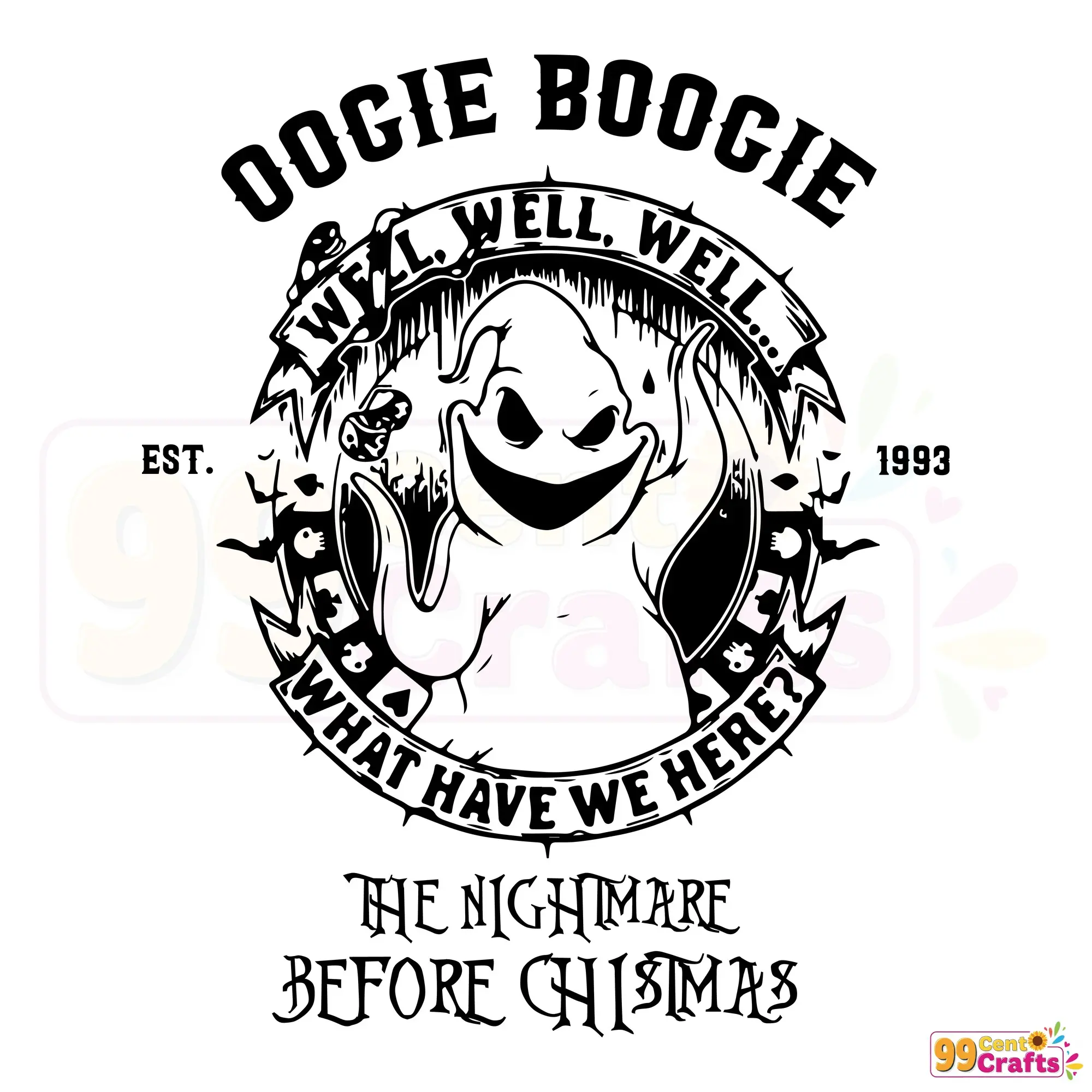
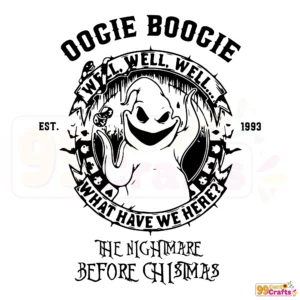
Oogie Boogie Man Est 1993 SVG – Nightmare Before Christmas Digital Design
Unlock your creativity with the Oogie Boogie SVG download, inspired by The Nightmare Before Christmas. Perfect for crafting enthusiasts, our digital design offers an instant download of SVG, PNG, DXF, and EPS files, ready for your Cricut or Silhouette projects, including Halloween crafts and more.
Introduction to Oogie Boogie SVG Designs
Discover the exciting realm of Oogie Boogie SVGs, a thrilling nod to The Nightmare Before Christmas. These digital creations unleash a wealth of creative possibilities, making them ideal for livening up your crafting projects. Whether you’re preparing for Halloween or just love unique designs, these SVGs offer limitless potential to showcase your craft.
Features & File Details
- Available in multiple file formats: SVG, PNG, DXF, EPS
- High-quality vector graphics ensure scalable and detailed outputs
- Seamlessly compatible with various software and cutting machines, including Cricut and Silhouette
Compatibility & Usage
Our designs are fully compatible with Cricut, Silhouette, and laser cutters, making them incredibly versatile for a wide array of DIY projects and digital art. Whether you’re crafting for personal enjoyment or setting up shop with print-on-demand products, these files cater to all your creative needs.
Use Cases & Crafting Ideas
- Perfect for Halloween decorations and creative party favors
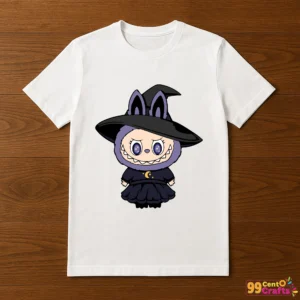
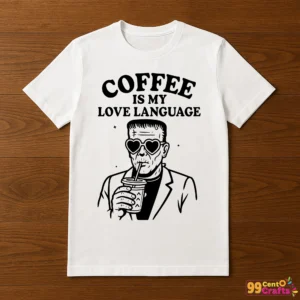
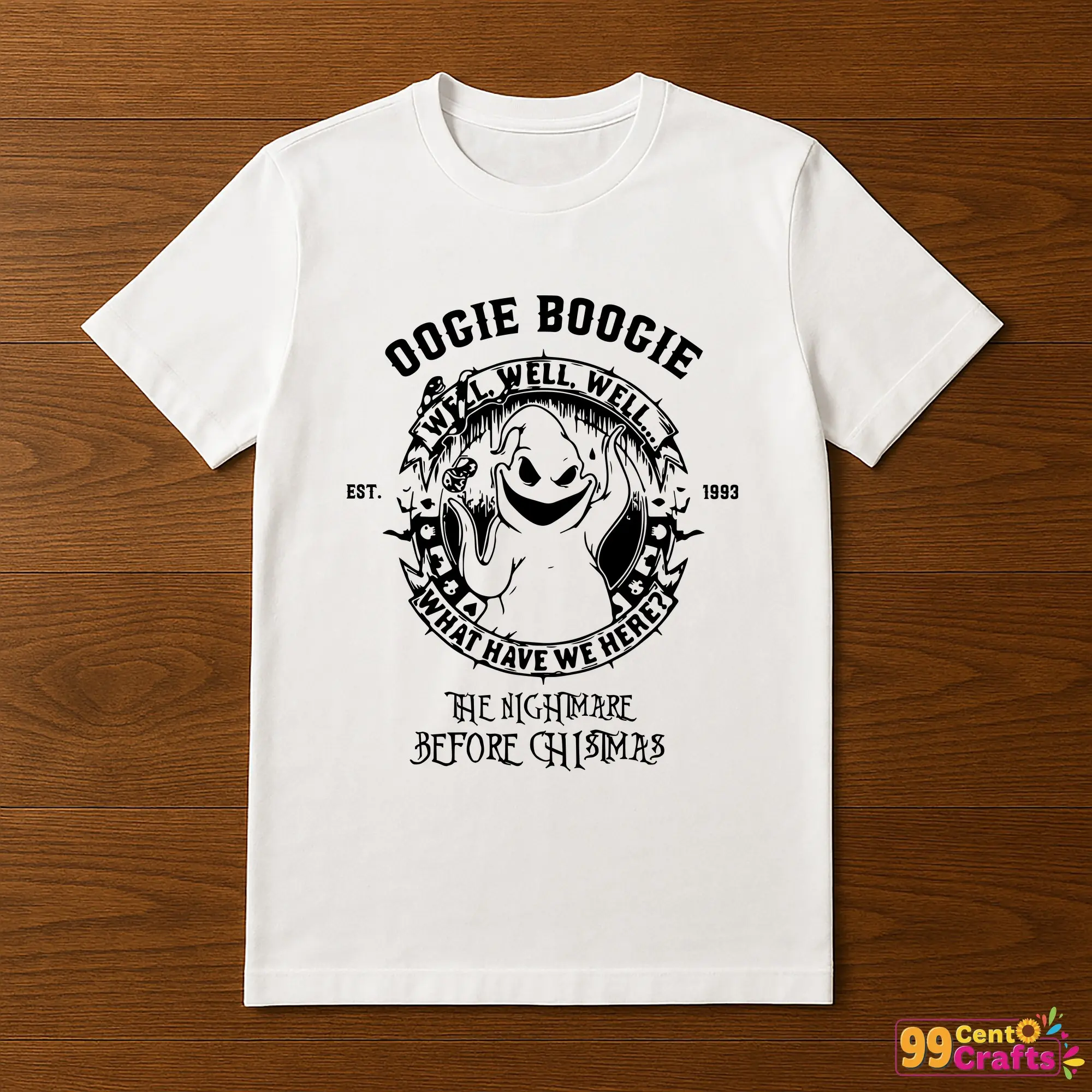
- Design custom t-shirts and unique accessories
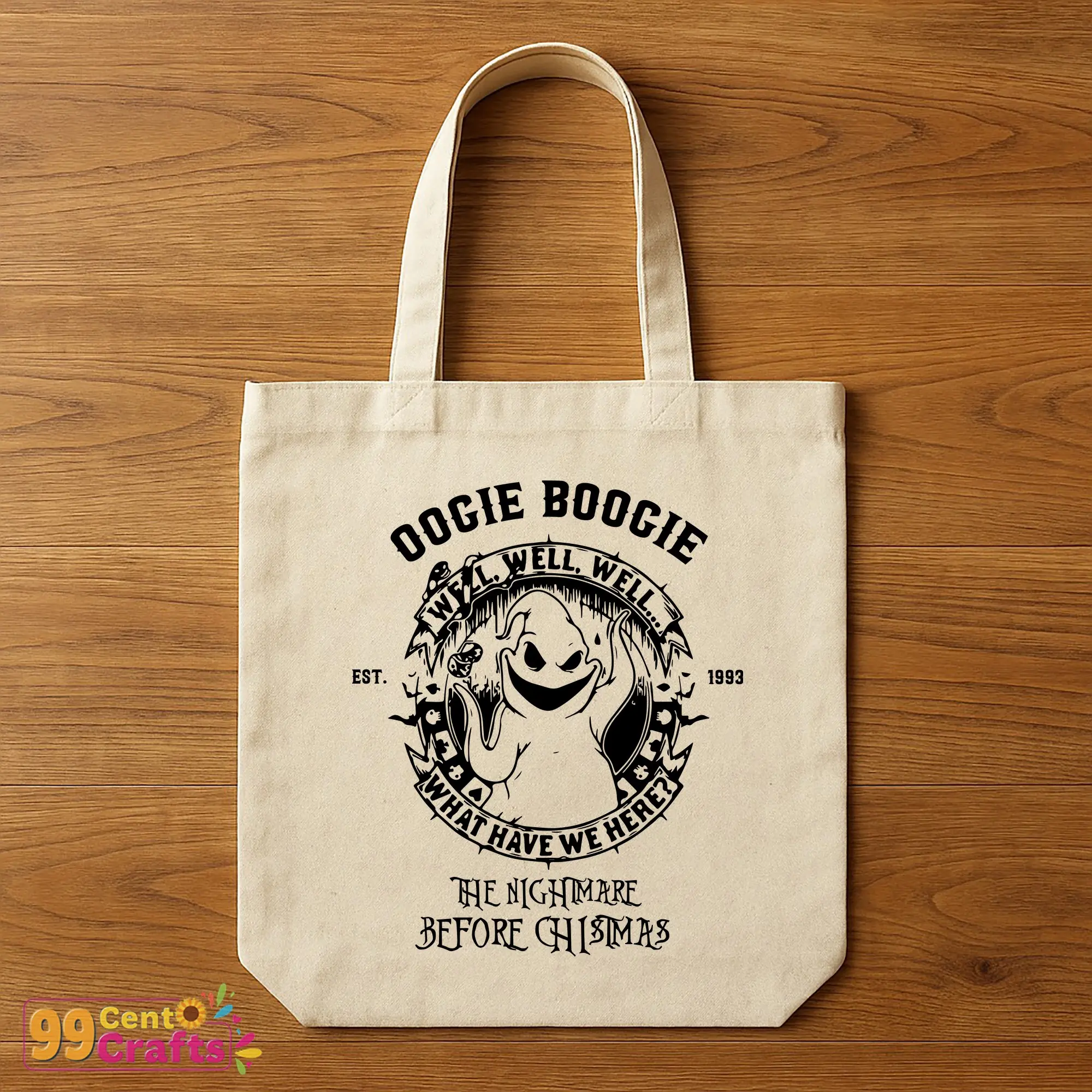
- Craft personalized home decor and captivating seasonal crafts
Licensing & Usage Rights
Our license covers both personal and commercial use, giving you freedom to craft extensively while protecting intellectual property. Whether creating from home or for sale, rest assured knowing you’re within your rights to use and share your creations.
Instant Download Instructions
- Purchase the SVG file, and get ready for an instant download.
- Access your files immediately through your account download section.
- Follow easy instructions for immediate crafting use upon download.
FAQs, Tips, & Comparisons
- What software is compatible with SVG files? – Use with Cricut, Silhouette, and most digital design software.
- How to optimize SVG files for cutting? – Ensure your cutting machine settings align with the material and intricacy of design.
- SVG vs. PNG, DXF, EPS? – SVG offers scalability, DXF is best for CAD programs, PNG is for raster images, EPS is widely used in professional settings.
Get Started on Your Crafting Journey!
Don’t miss out on creating your next masterpiece with our Oogie Boogie SVG designs. Download today and let your imagination roam free with a touch of the unexpected courtesy of The Nightmare Before Christmas.