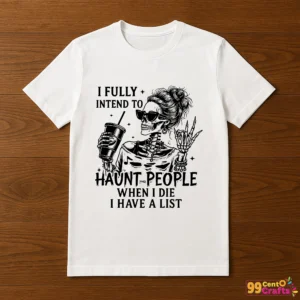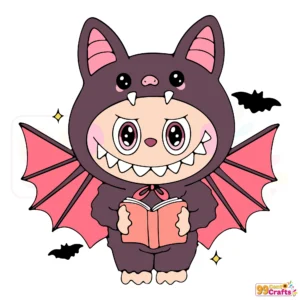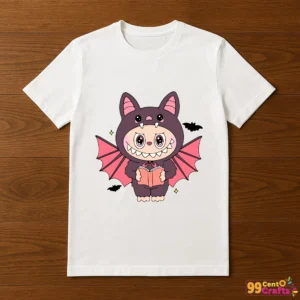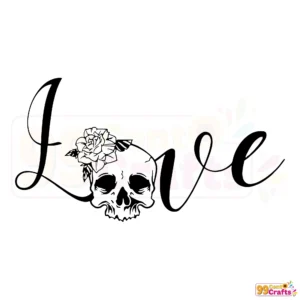
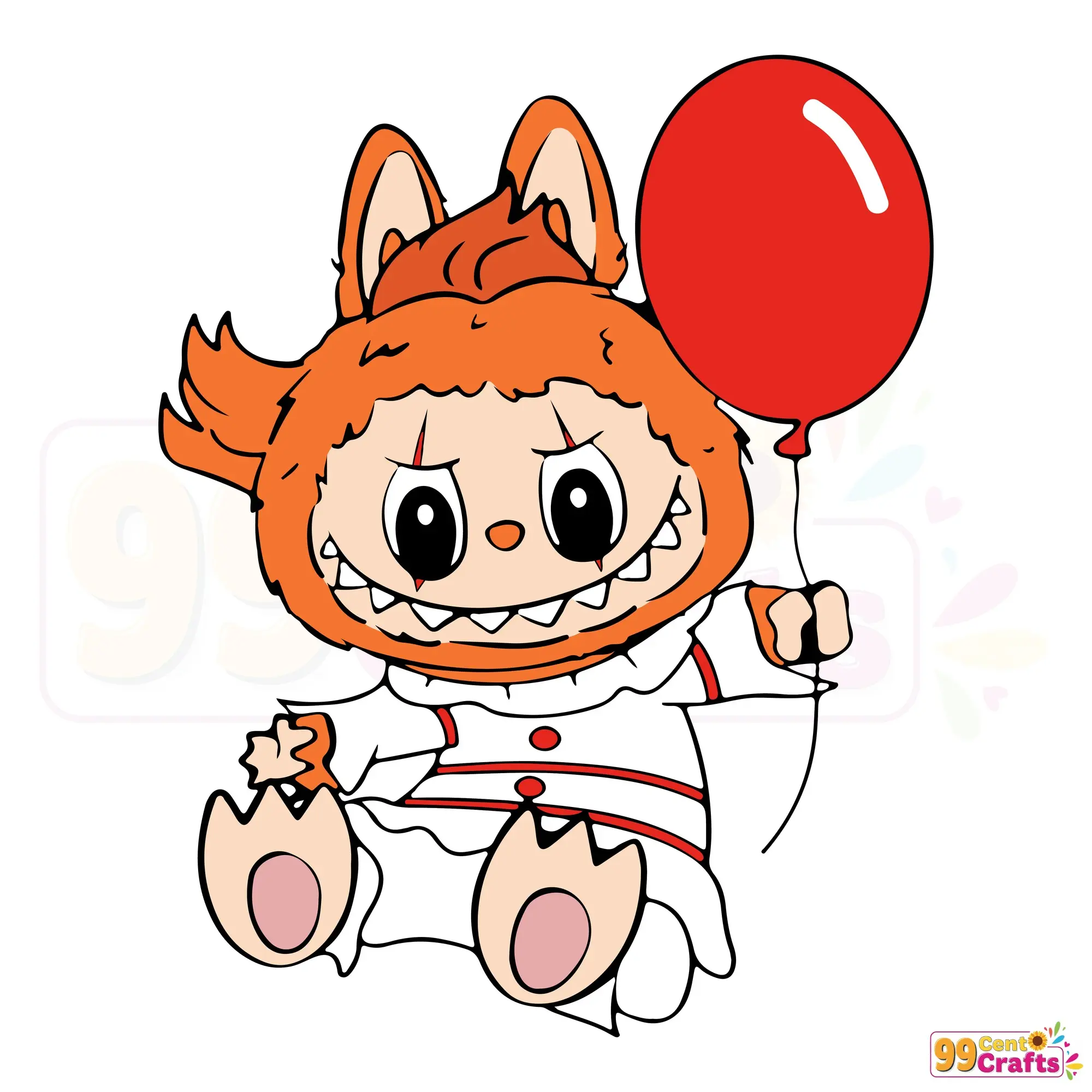
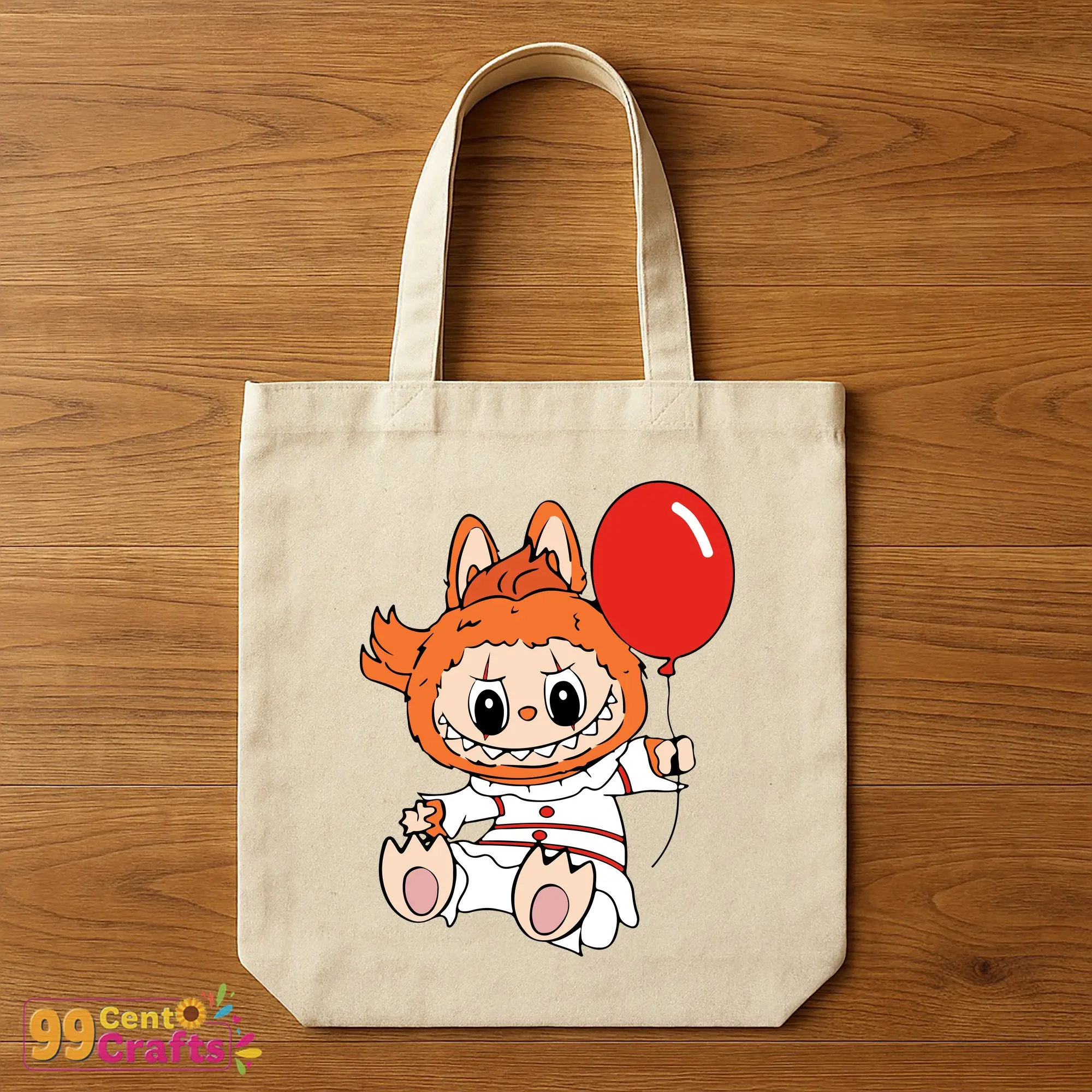
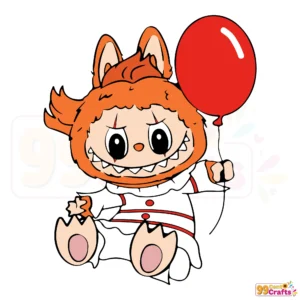
Labubu Pennywise Halloween SVG – Creepy Clown Design for Cricut
Discover the unique and spine-chilling Labubu Pennywise SVG design, perfect for Halloween crafting enthusiasts. This digital cut file is a must-have for your Cricut Halloween projects, adding a touch of creepy clown charm to your spooky creations.
Features & File Details
- Available in SVG, PNG, DXF, EPS formats for diverse crafting needs.
- High-quality vector design ensures precise cuts.
- Scalable and customizable, ideal for a variety of craft projects.
Compatibility with Cutting Machines
- Seamless Cricut compatibility for hassle-free cutting.
- Supports Silhouette and Brother ScanNCut, expanding your crafting options.
- Also compatible with laser cutters for advanced crafting techniques.
Use Cases & Crafting Ideas
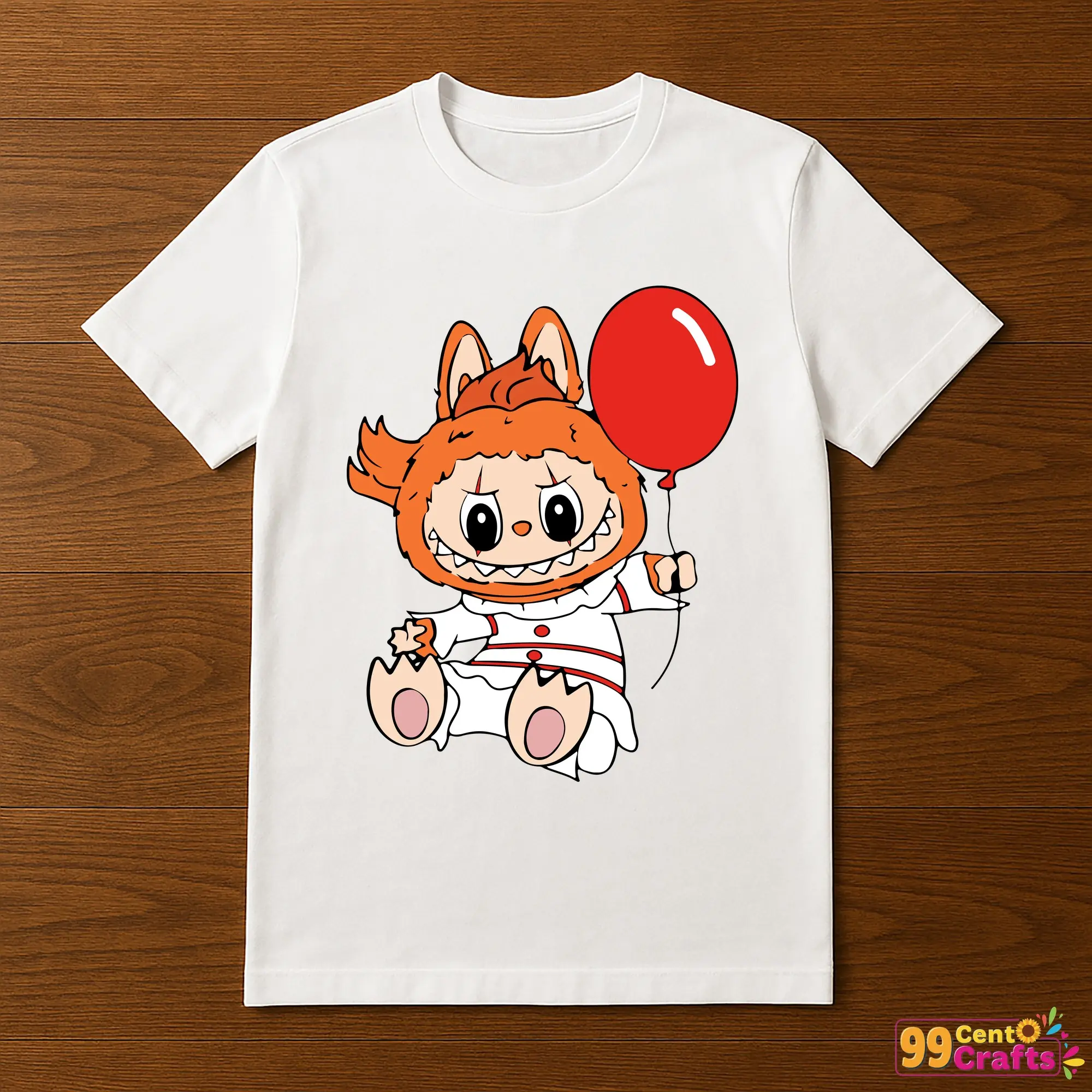
- Create Halloween-themed apparel and accessories with ease.
- Design spooky party decor and DIY crafts to impress your guests.
- Personalize gifts and home decor items with a touch of fright.
Licensing & Usage Rights
This Labubu Pennywise SVG file comes with rights for both personal and commercial use, empowering you to extend your creations beyond personal projects. Be sure to review the terms to understand any restrictions.
Instant Download Instructions
- Purchase the Labubu Pennywise SVG file from our online store.
- Check your email for the download link and click to access your files.
- Save the files to your device and import them into your chosen design software.
- If you encounter any issues, consult our troubleshooting guide for common solutions.
FAQs, Tips, and Comparisons
- How do I use SVG files with my Cricut? Import the file and ensure your machine settings are correctly calibrated for best results.
- Optimize your projects by experimenting with different color vinyls or materials.
- Learn the differences: SVG offers scalability, while PNG is bitmap based. Choose according to your project’s needs.
Get Started with Your Creepy Clown Creation!
Ready to dive into Halloween crafting with the Labubu Pennywise SVG? Download today and let your creativity run wild with this unsettling yet charming design, perfect for enhancing any Halloween project.