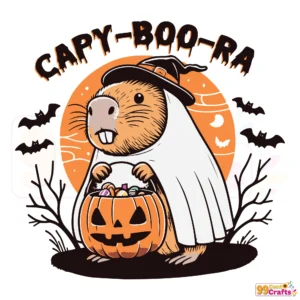
Capy Boo Ra SVG – Halloween Capybara Pumpkin Cut File Instant Download
Introduction to Capy Boo Ra Halloween SVG
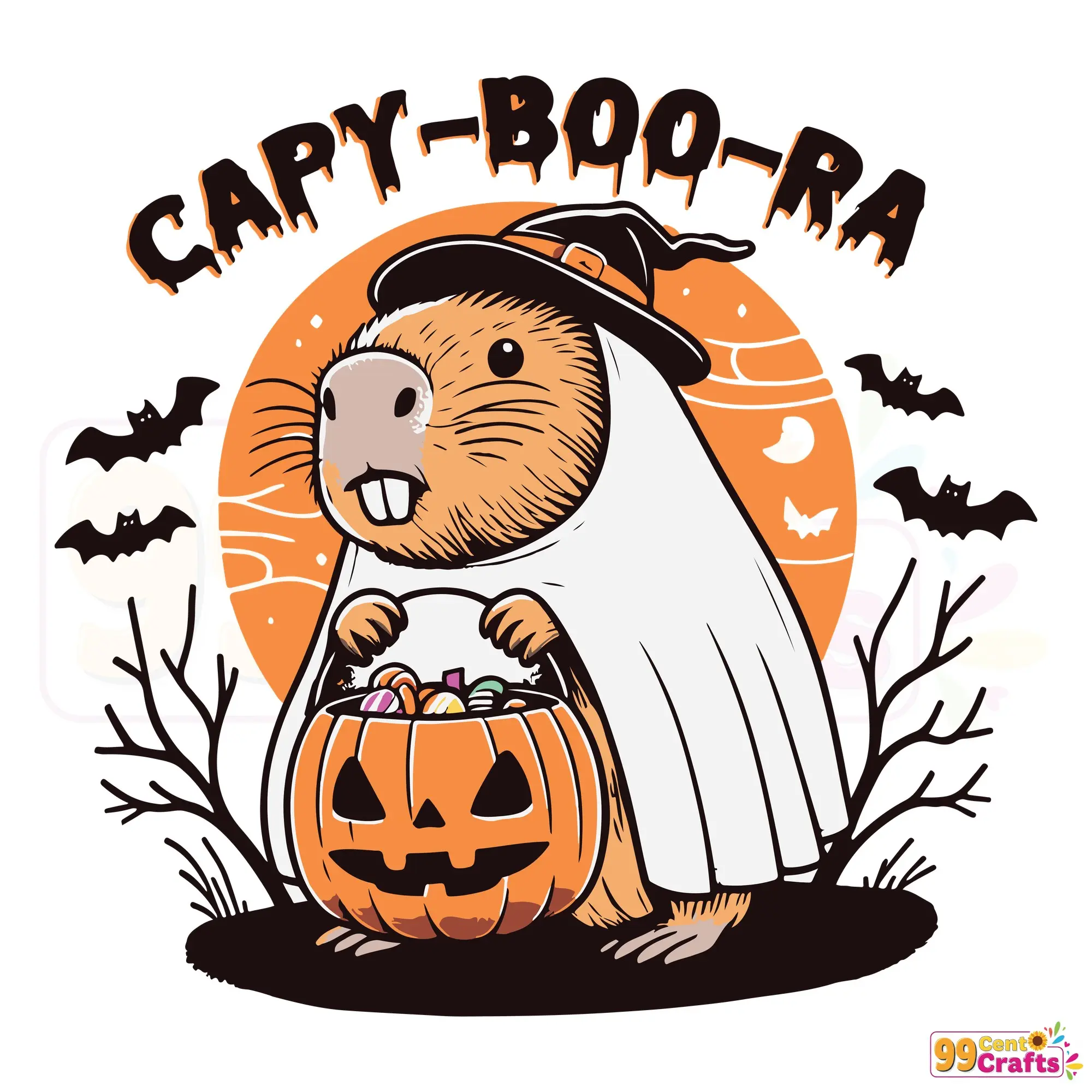
Experience the playful and spooky charm of the Capy Boo Ra SVG, a perfect addition to your Halloween crafting collection. This unique capybara pumpkin design appeals to both Halloween enthusiasts seeking novel decor and capybara lovers looking to incorporate some adorable yet spooky elements into their seasonal projects.
Features and File Format Details
- Includes SVG, PNG, DXF, and EPS files for your convenience.
- Layered, cut-ready SVG files optimized for crafting machines.
- High-resolution PNG with transparent background for sublimation, print, and more.
- DXF and EPS compatibility with a wide range of design software and cutting tools.
Compatibility with Crafting Machines and Software
The Capy Boo Ra SVG is designed for seamless integration with various crafting platforms:
- Compatible with Cricut Design Space and Silhouette Studio.
- Ideal for use with laser cutters and vector-capable machines.
- Perfect for a wide array of crafting applications, including HTV, vinyl, and stencil making.
Creative Use Cases and Crafting Ideas
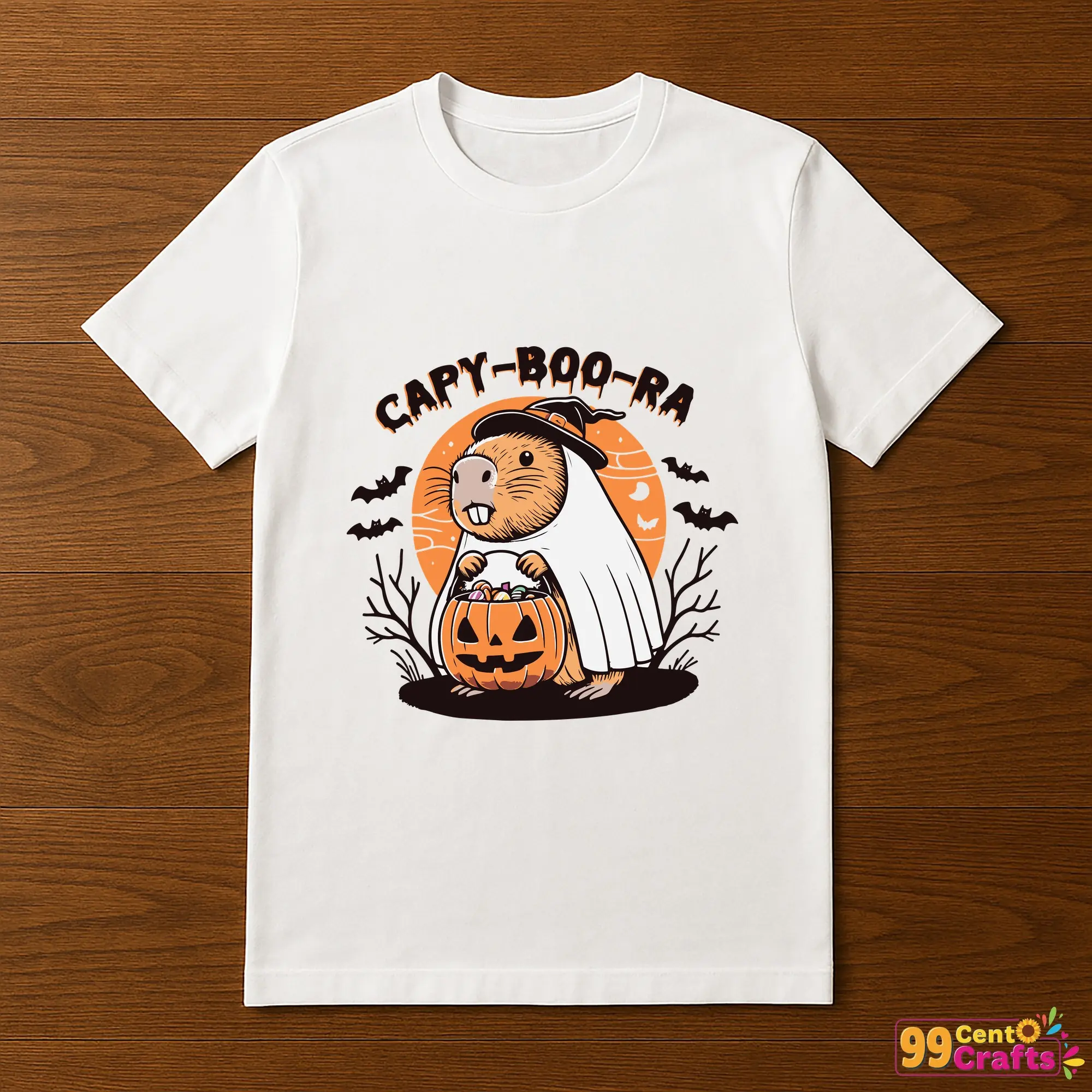
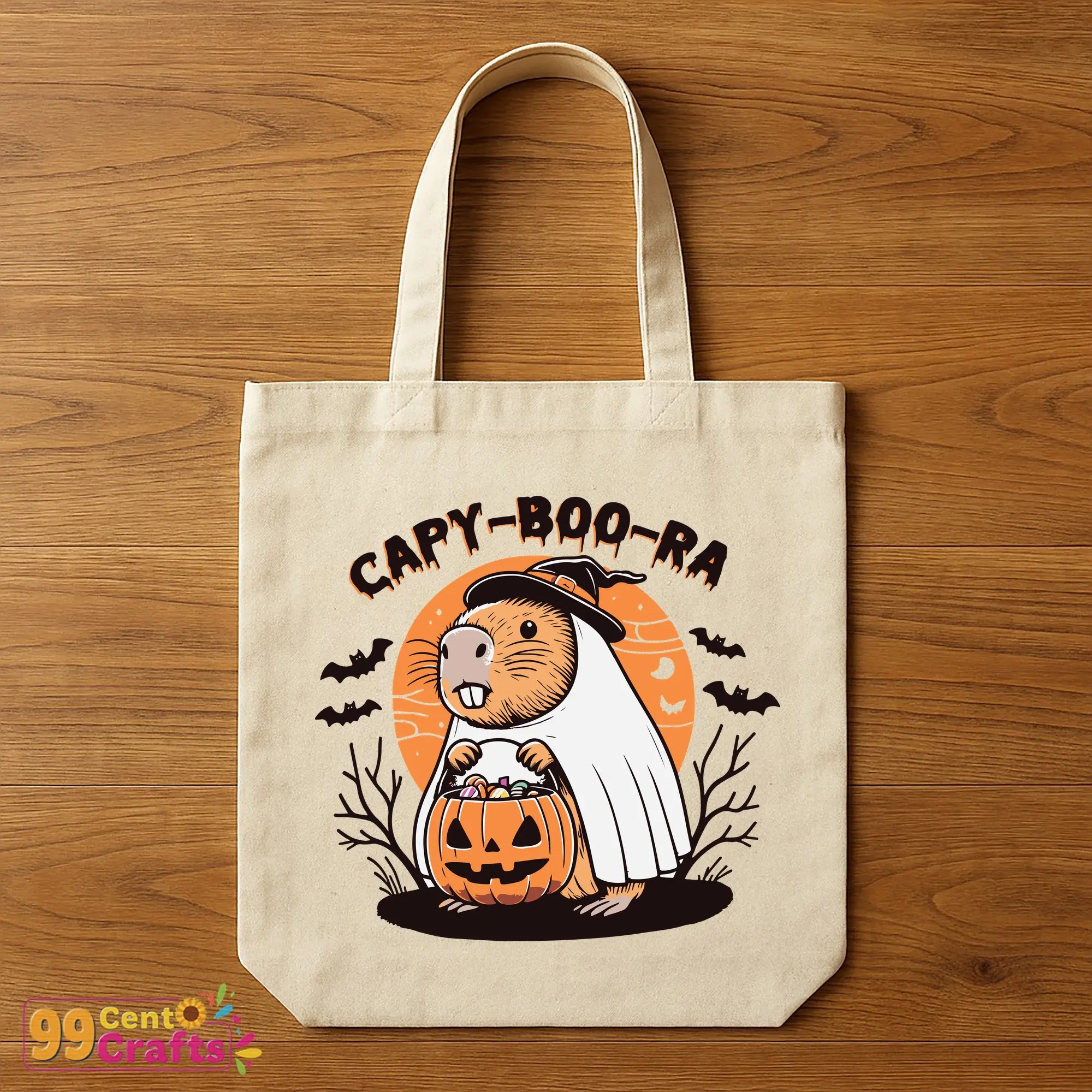
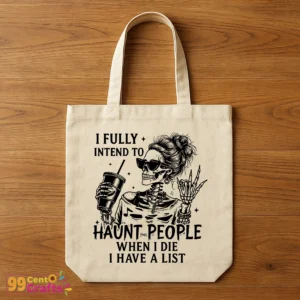
- Create DIY Halloween apparel such as T-shirts, hoodies, and tote bags with HTV.
- Craft unique home decor with wall decals, pumpkin stencils, and festive party decorations.
- Design seasonal greeting cards and digital scrapbooking layouts.
- Personalize gifts with the layered SVG design for a special touch.
Licensing and Usage Rights
This SVG offering includes flexible usage rights, allowing for both personal and commercial projects. Enjoy creative freedom while adhering to the following guidelines:
- Permissible for a variety of project types under personal and commercial use.
- Ensure compliance with any specified restrictions.
How to Instantly Download and Access Your Files
- Complete your purchase and receive instant download links via email.
- Follow the link to download and save files securely on your device.
- If needed, refer to troubleshooting tips for common download issues.
Frequently Asked Questions (FAQs) and Crafting Tips
How do I upload SVG files to Cricut or Silhouette software? Simply open the software, select ‘Upload’, and choose your SVG file.
What format should I use for my project? Use SVG for cutting, PNG for printing, DXF for older machines, and EPS for professional applications.
How do I layer and weed complex designs? Take your time, use transfer tape, and follow best practices for layering your vinyl.
Can I combine Capy Boo Ra SVG with other designs? Absolutely! Feel free to mix and match with other Halloween-themed files for a fun crafting session.
What materials work best with this design? Use compatible materials like HTV and vinyl to ensure the best results.
Get Started on Your Creative Journey!
Download the Capy Boo Ra Halloween SVG today and let your creativity run wild. Perfect for adding a spooky, cute touch to your crafting projects, this design is a must-have for the season!